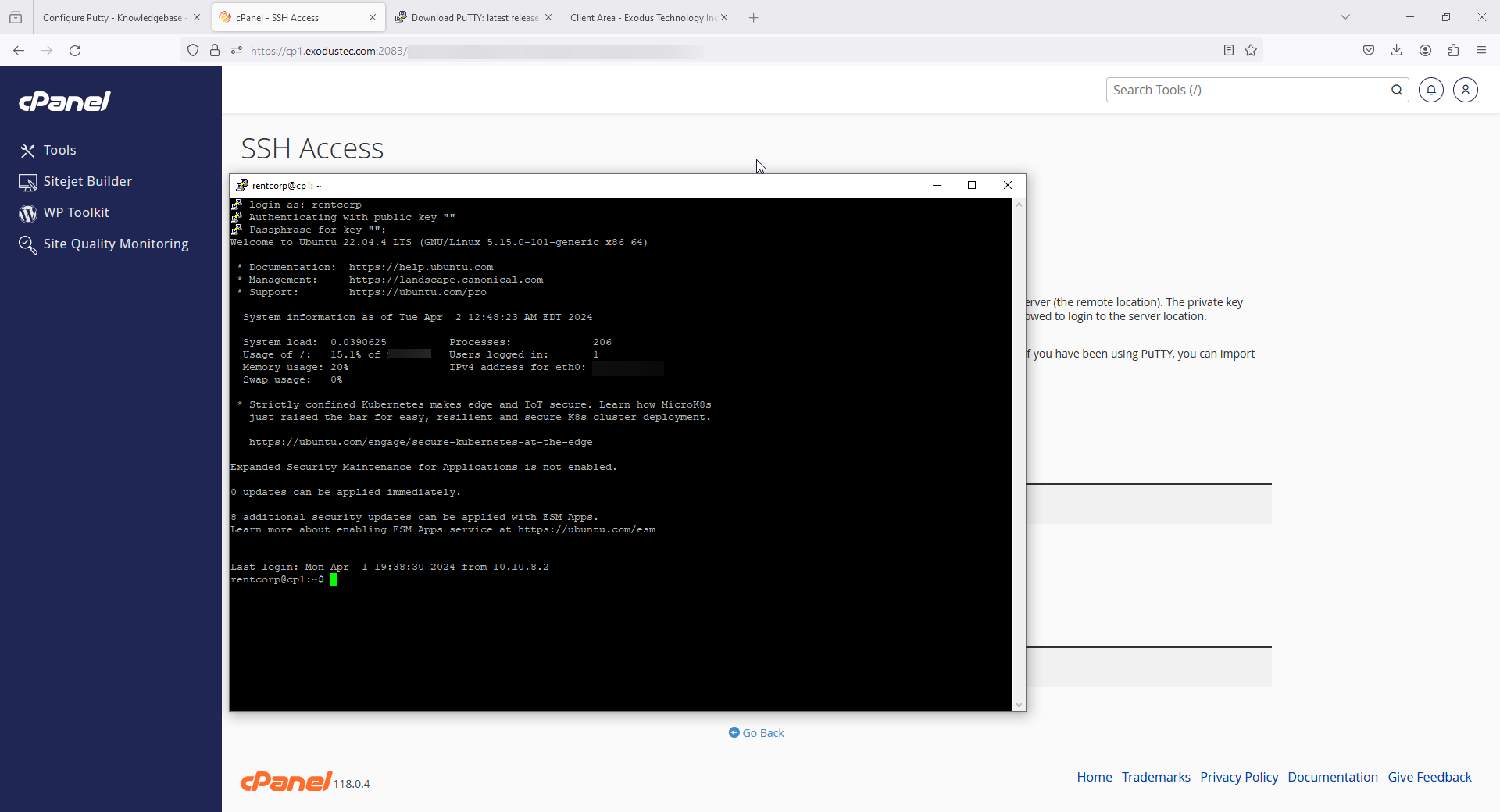
Configure Putty
1) Go to https://www.putty.org and download the program.
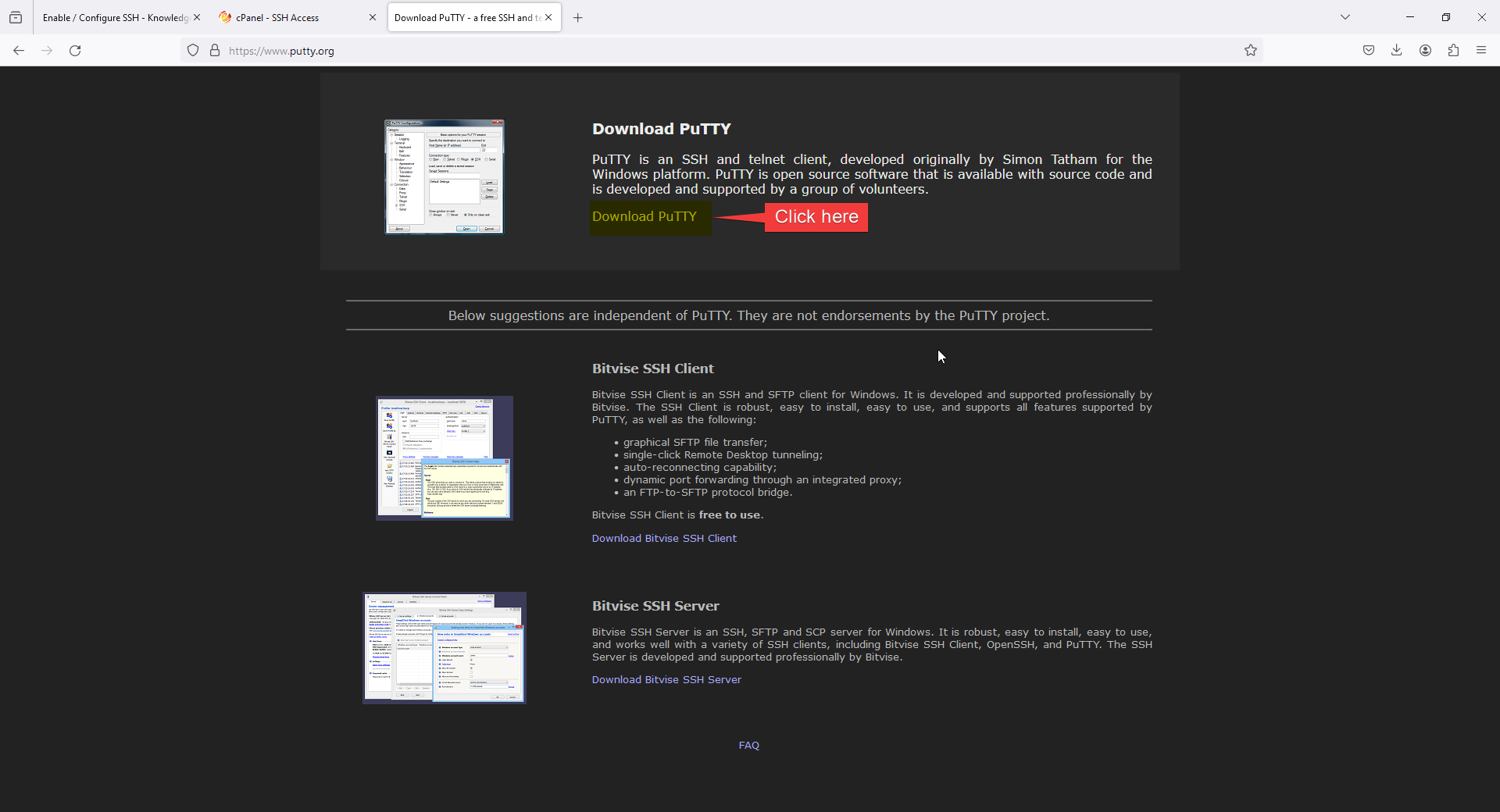
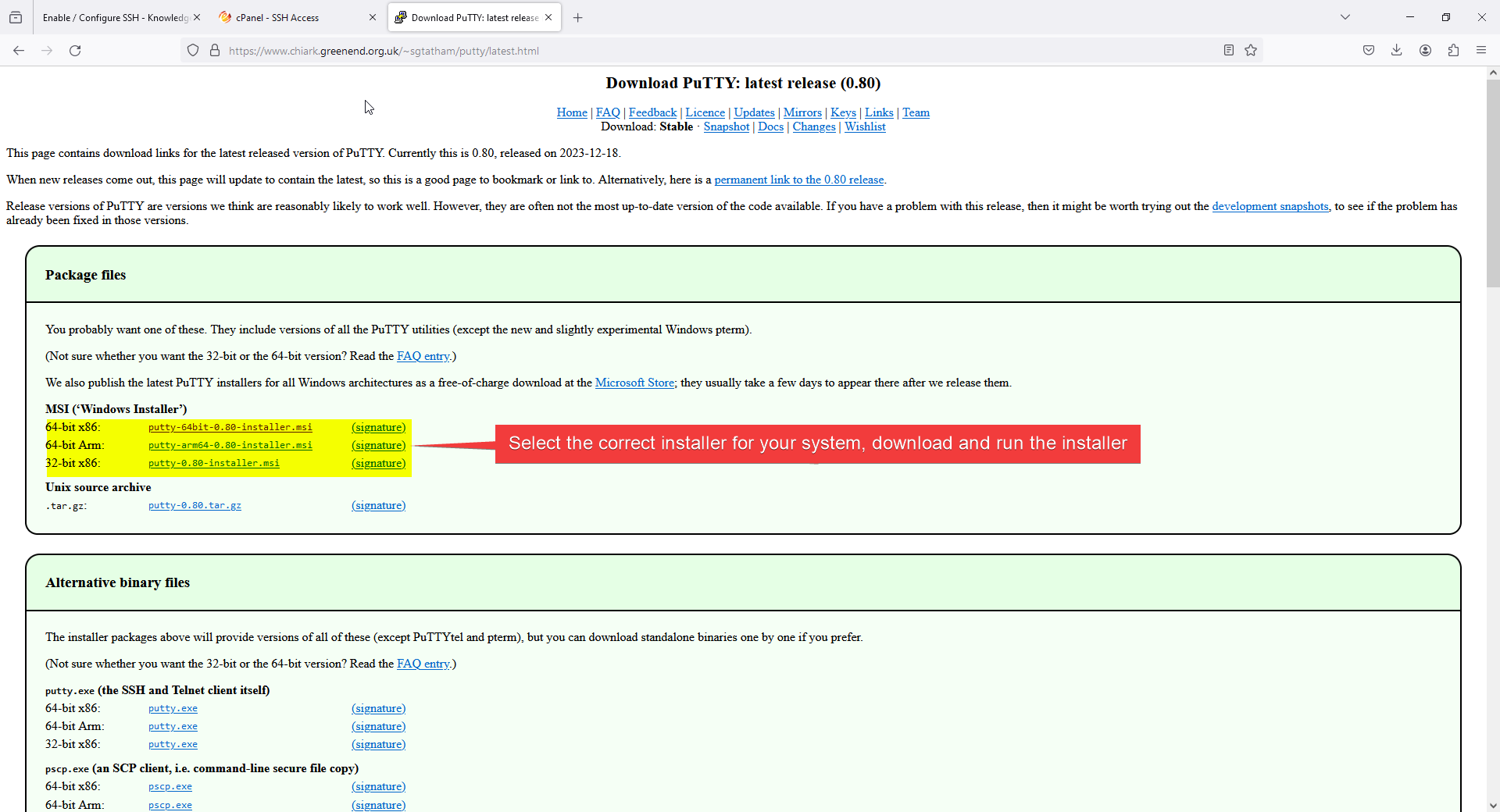
2) after the installation open the putty.exe program
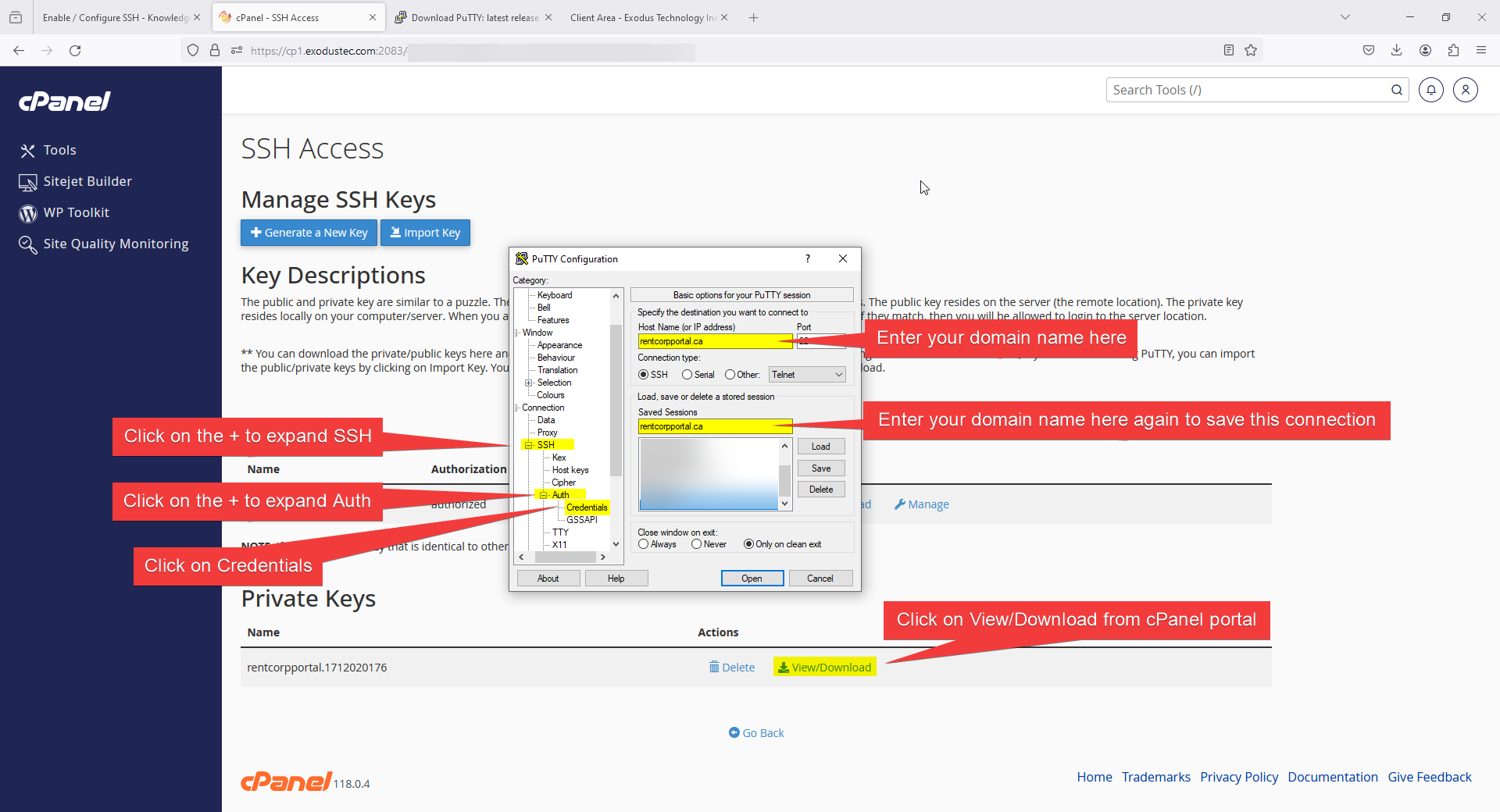
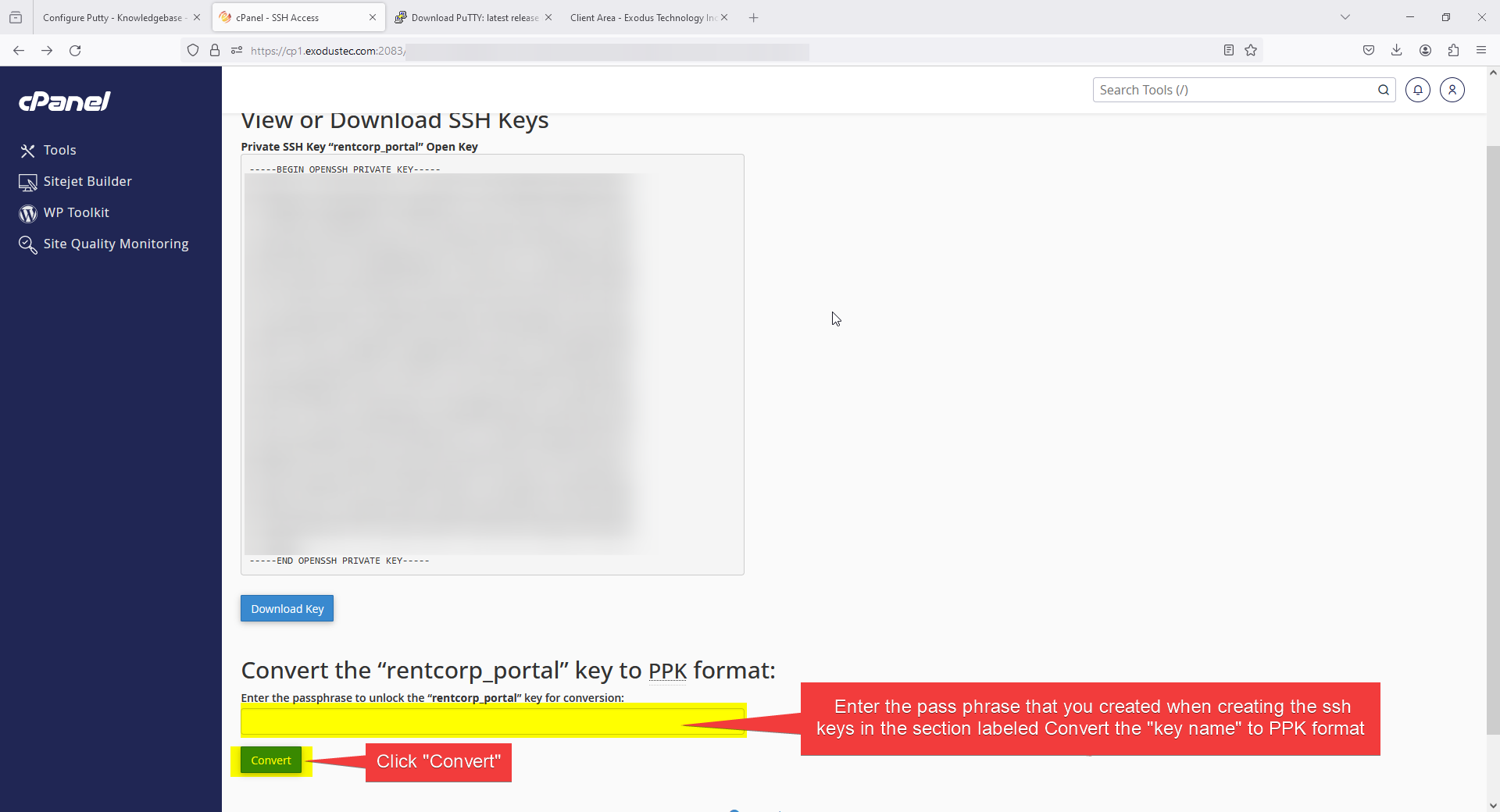
3) Enter the pass phrase that you created when creating the ssh keys in the section labeled Convert the "key name" to PPK format. Then click "Convert"
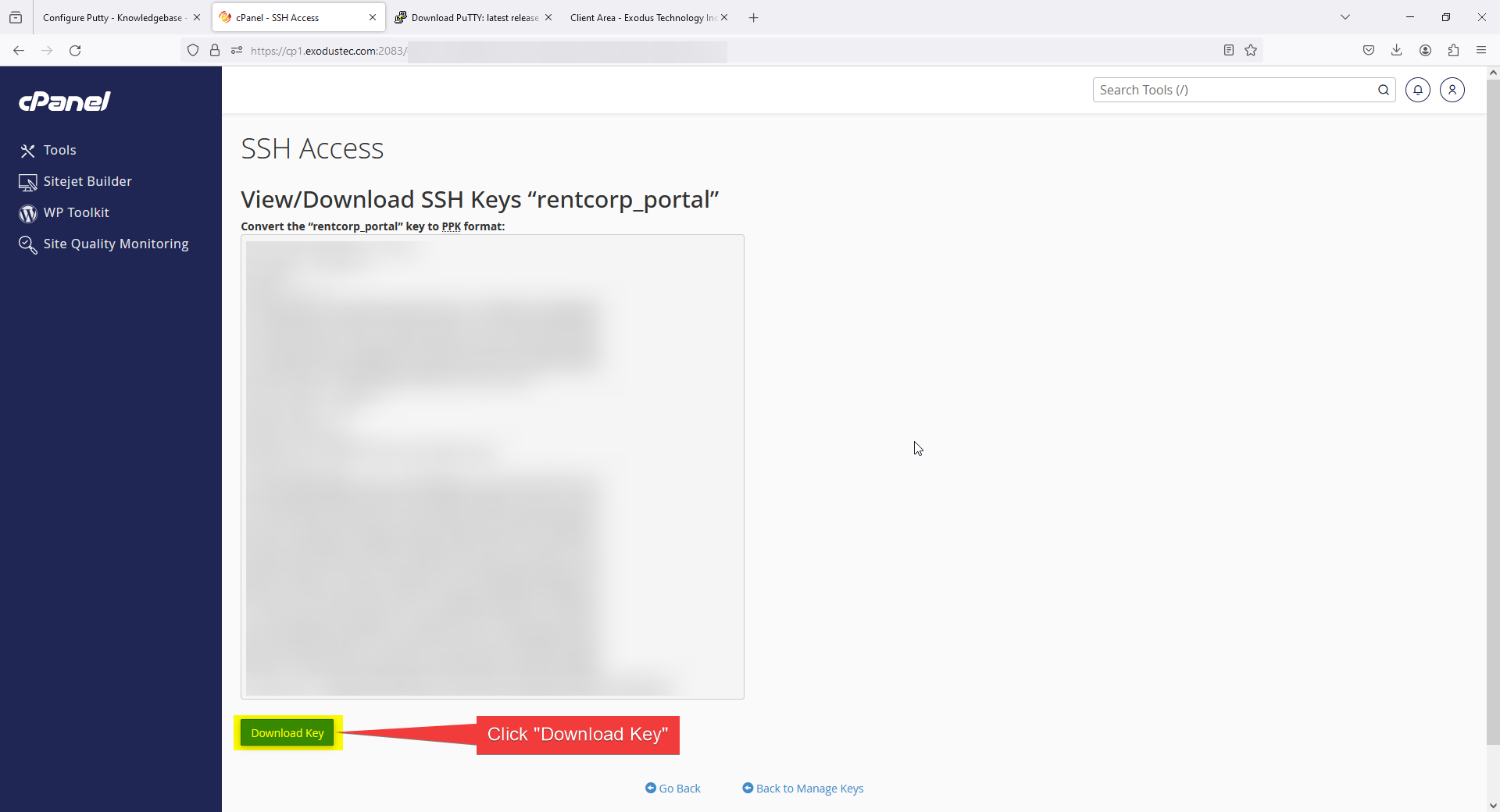
4) Click "Download Key"
5) Go back to putty.exe and select the key that you just downloaded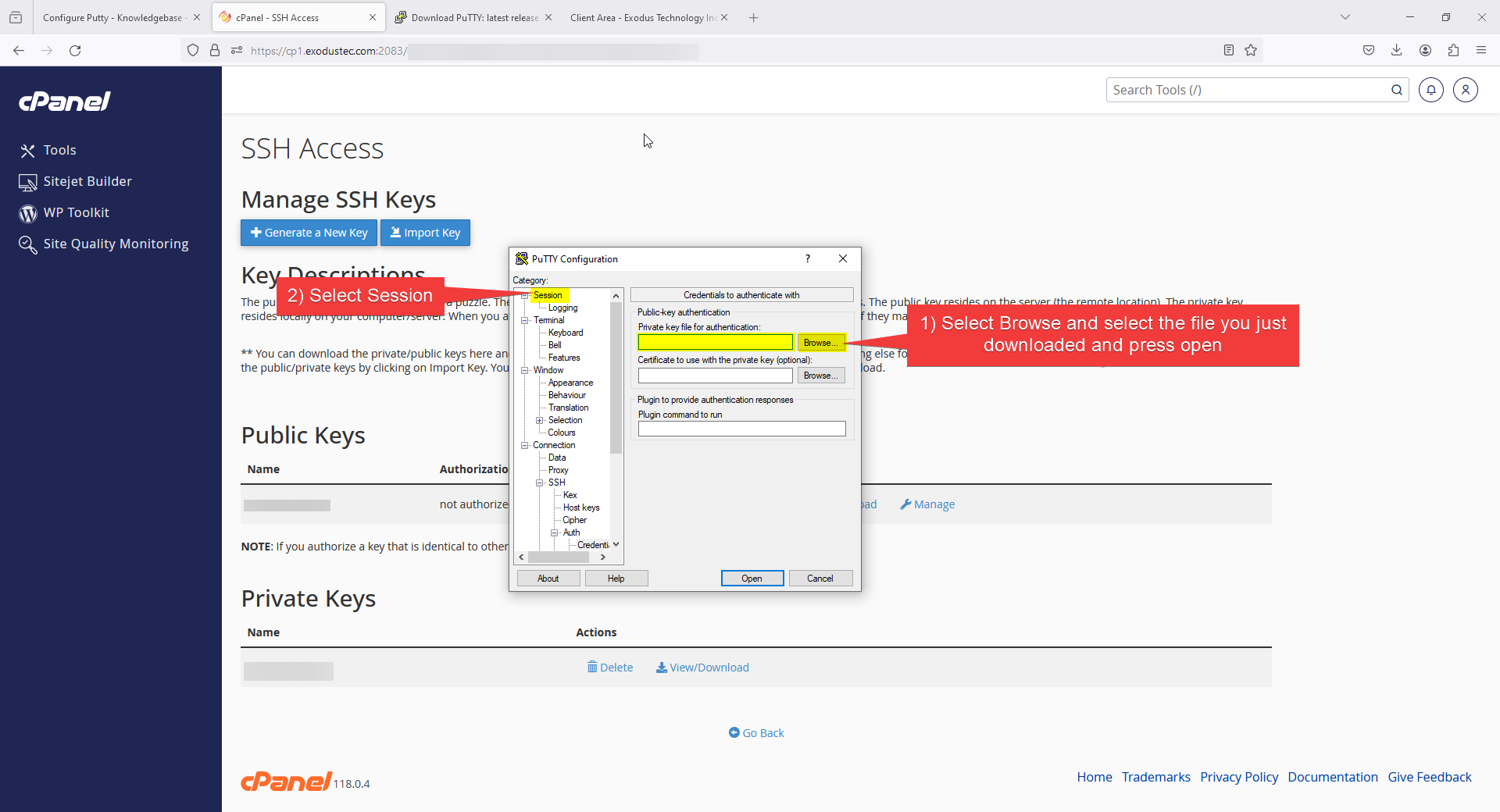
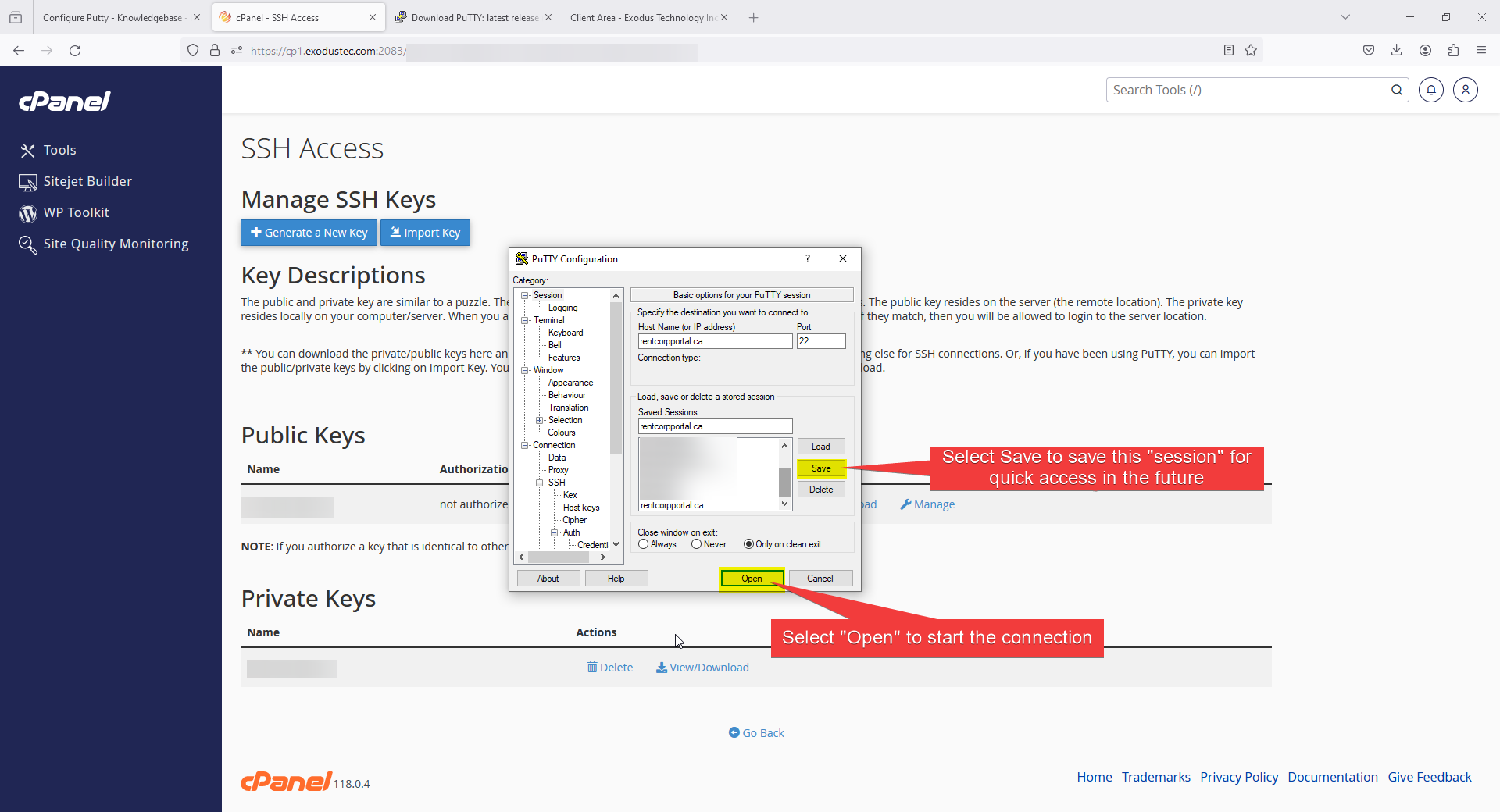
6) Select Save to save this "session" for quick access in the future, then click "Open"
7) Select Accept on the pop up window "The host key is not cached for this server: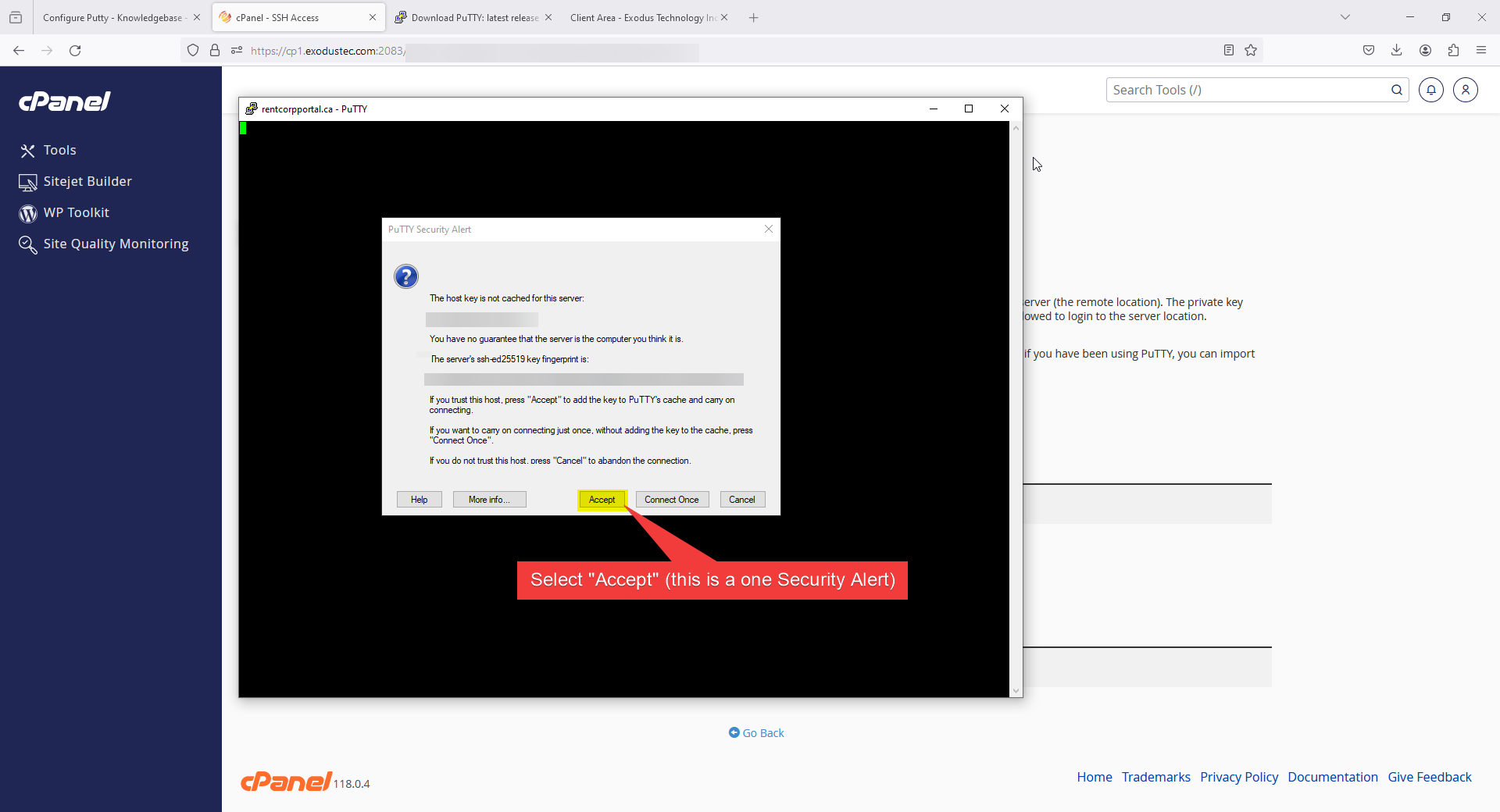
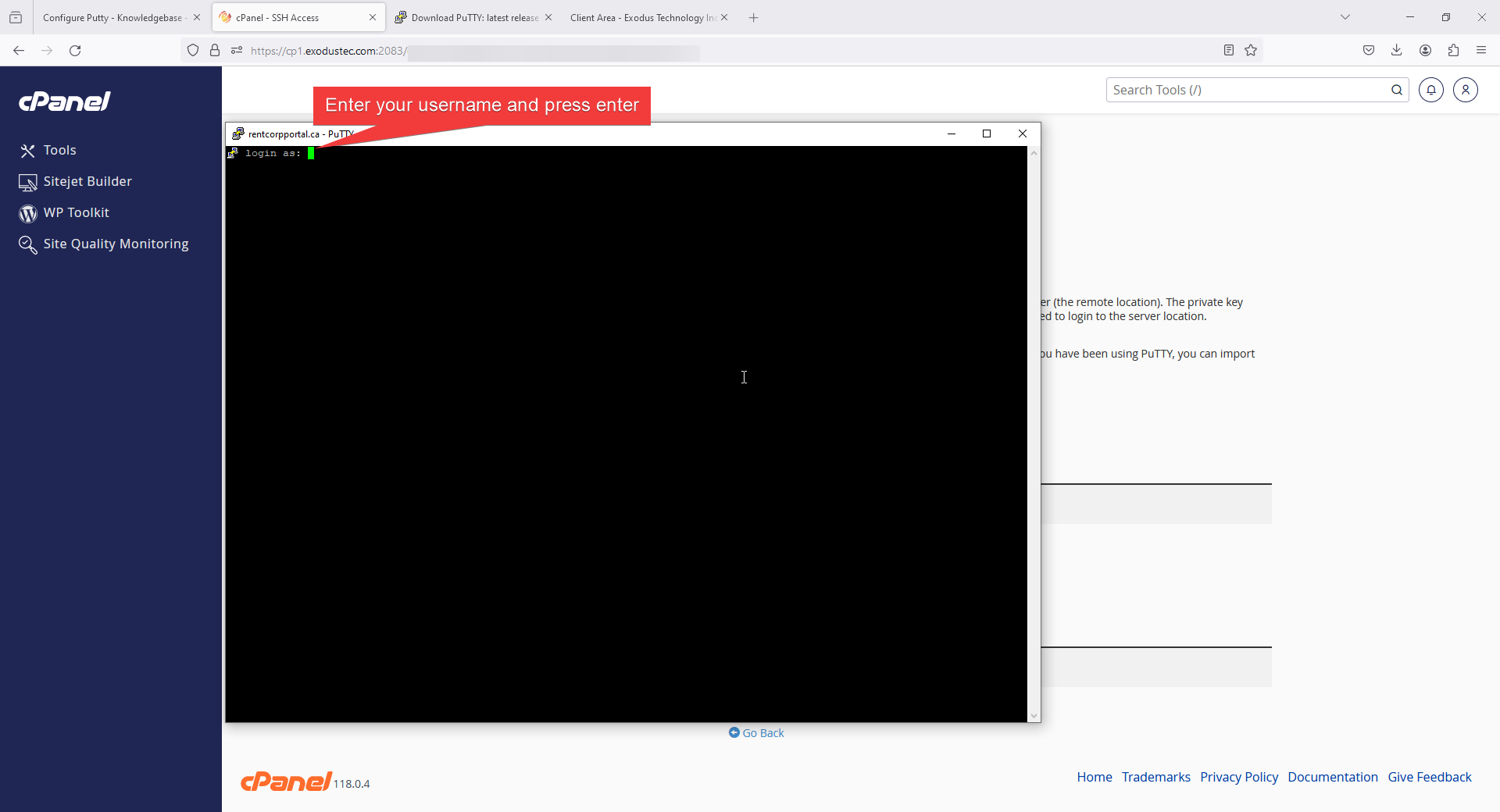
8) enter your username and press enter
9) Enter your Passphrase for your key and press enter
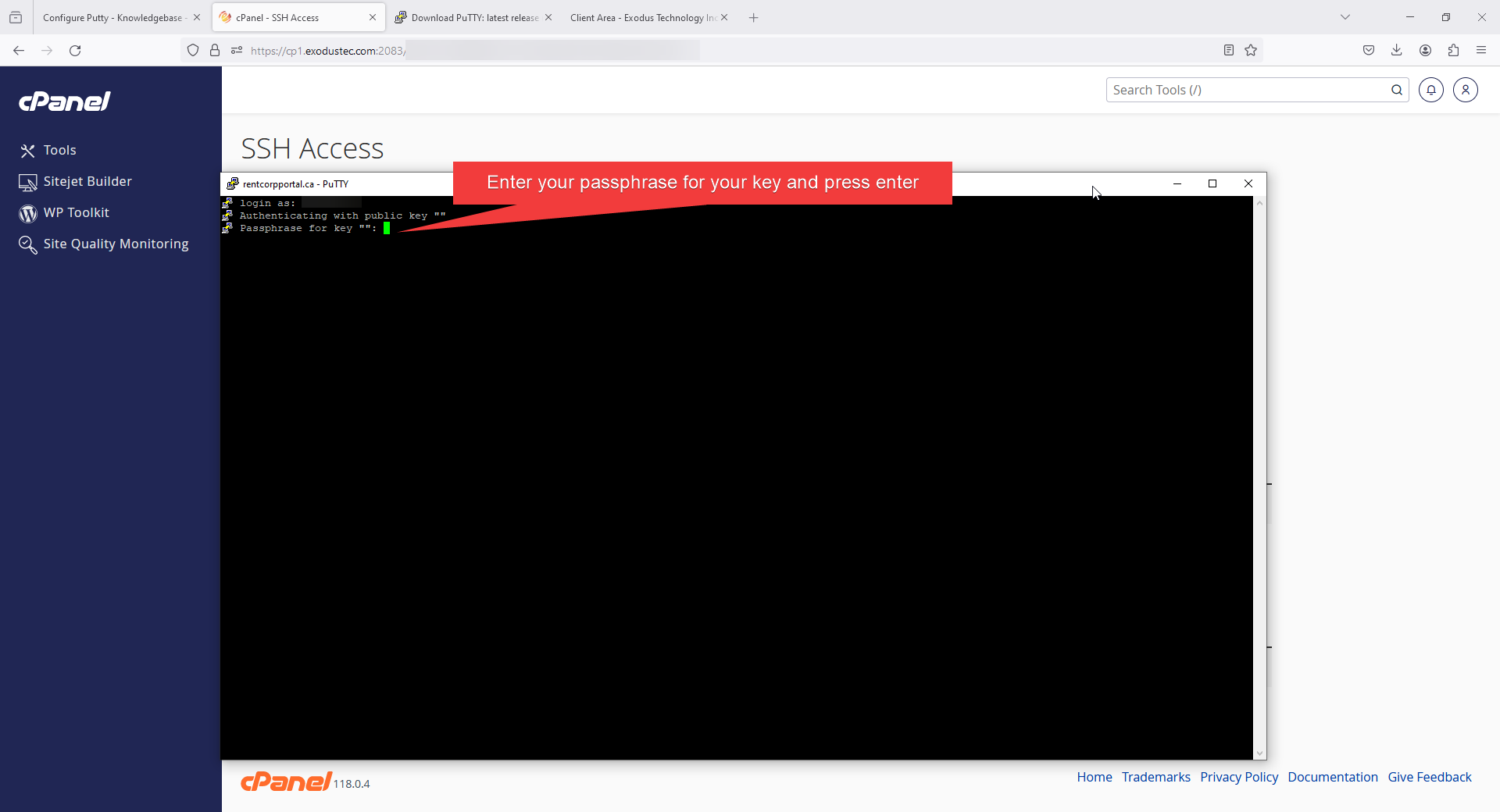
10) You should now be logged in to your account through SSH